Change Password
From within the Zeta Login User Workspace, you can change the password associated with your Zeta Login user credentials.
If you forget your password, the platform provides a password recovery process, available by clicking Forgot Password on the Zeta Login landing page.
Note: This feature is available for all Roles.
To change your password:
-
Log into the Zeta Login User Workspace. The Profile tab is selected by default.
-
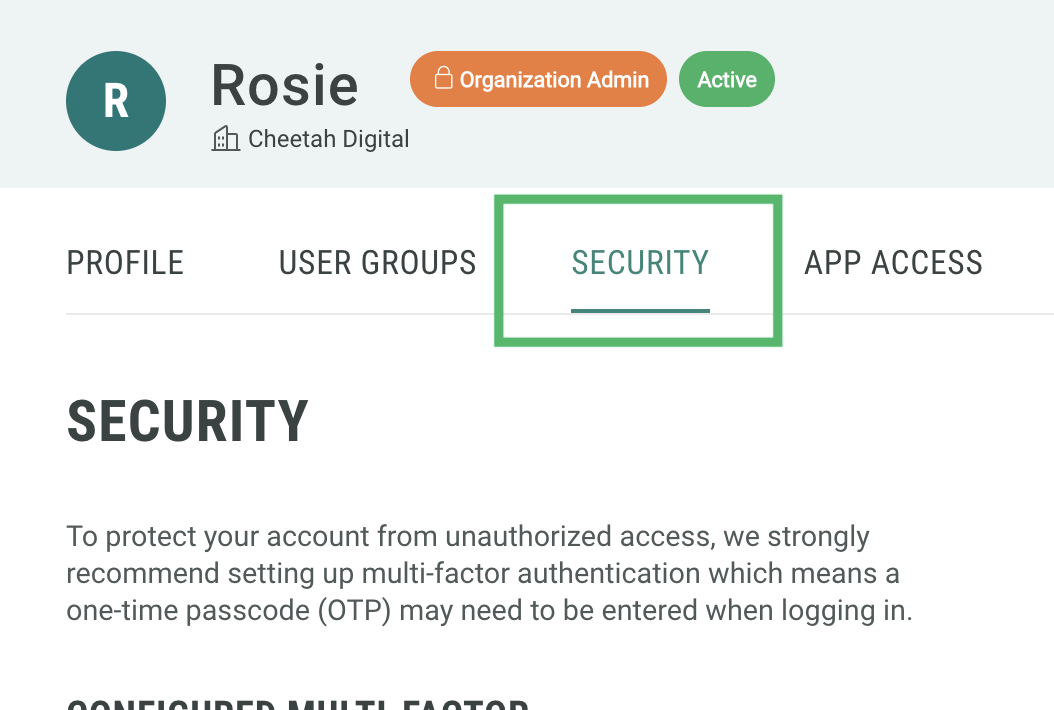
Select the Security tab.
-
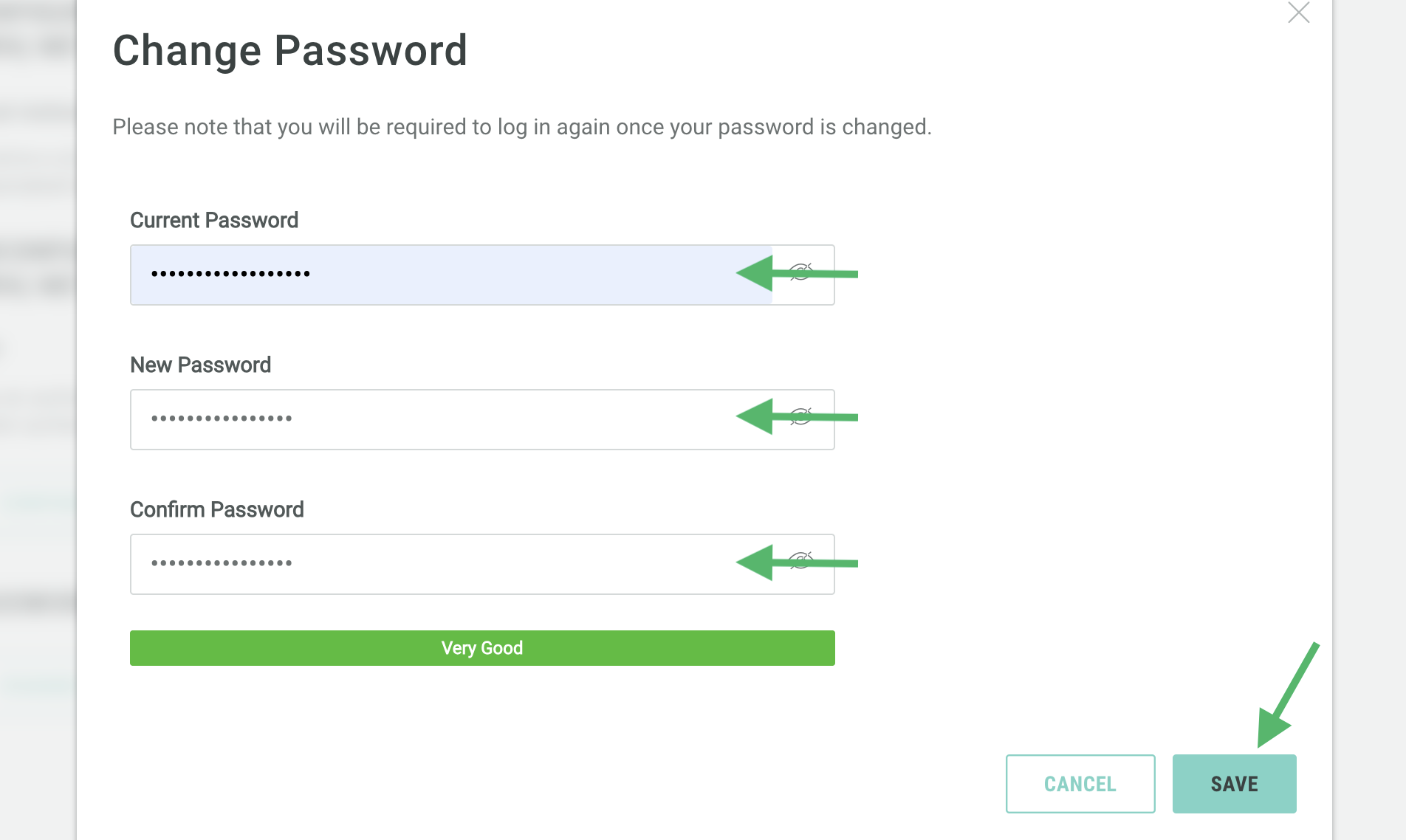
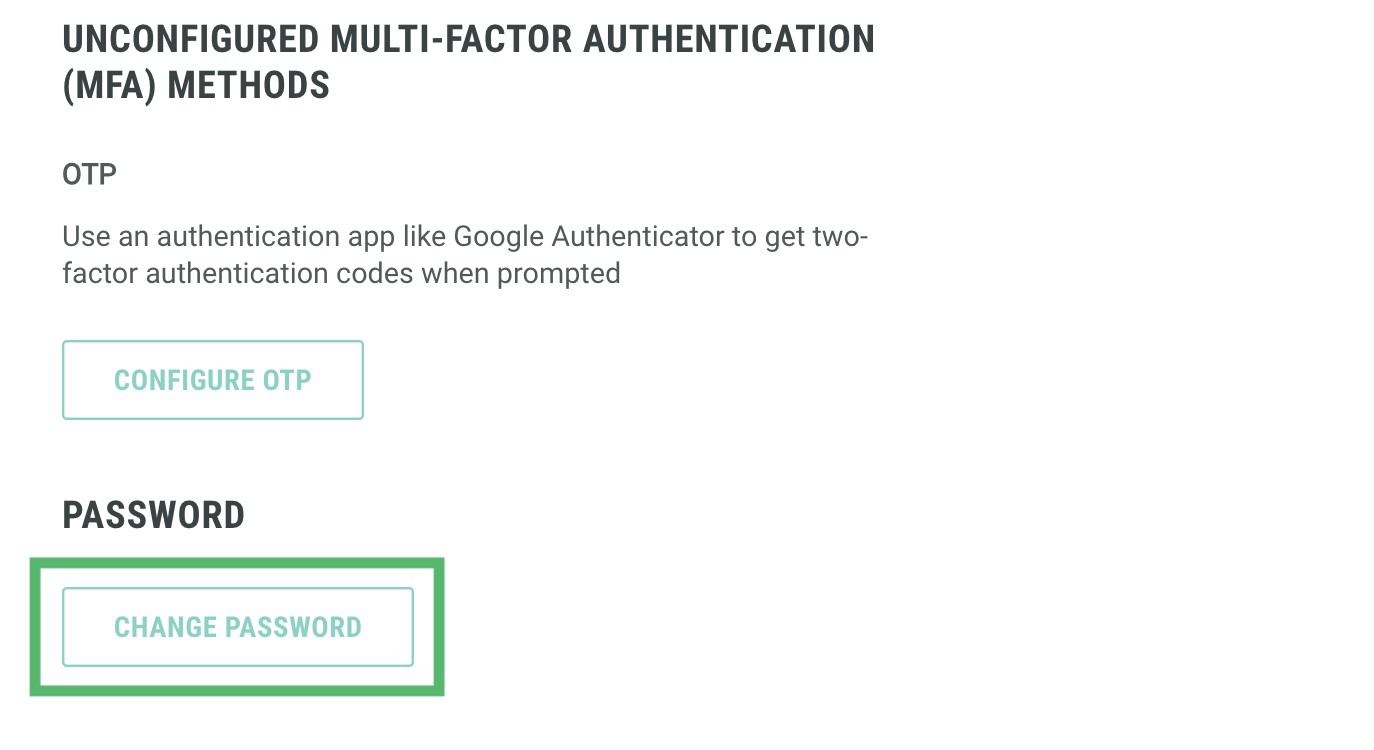
Click Change Password. The Change Password pop-up window is displayed.
-
Enter your current password.
-
Enter and confirm a new password. Passwords must be at least 12 characters long, and meet the strength requirements of the password check.
-
Click Save.